Please follow the on-screen instructions in this section.
Please follow the on-screen instructions in this section.
- Follow the on-screen instructions shown in this step.
- Follow the on-screen instructions shown in this step.
- Follow the on-screen instructions shown in this step.
- Follow the on-screen instructions shown in this step.
- Follow the on-screen instructions shown in this step.
Preparation
- Fill in the required information according to your case.
2. Detailed Operations-Browse
- Click "Registers" in the left menu.
- Select the company you want to view.
- Select the required option and continue.
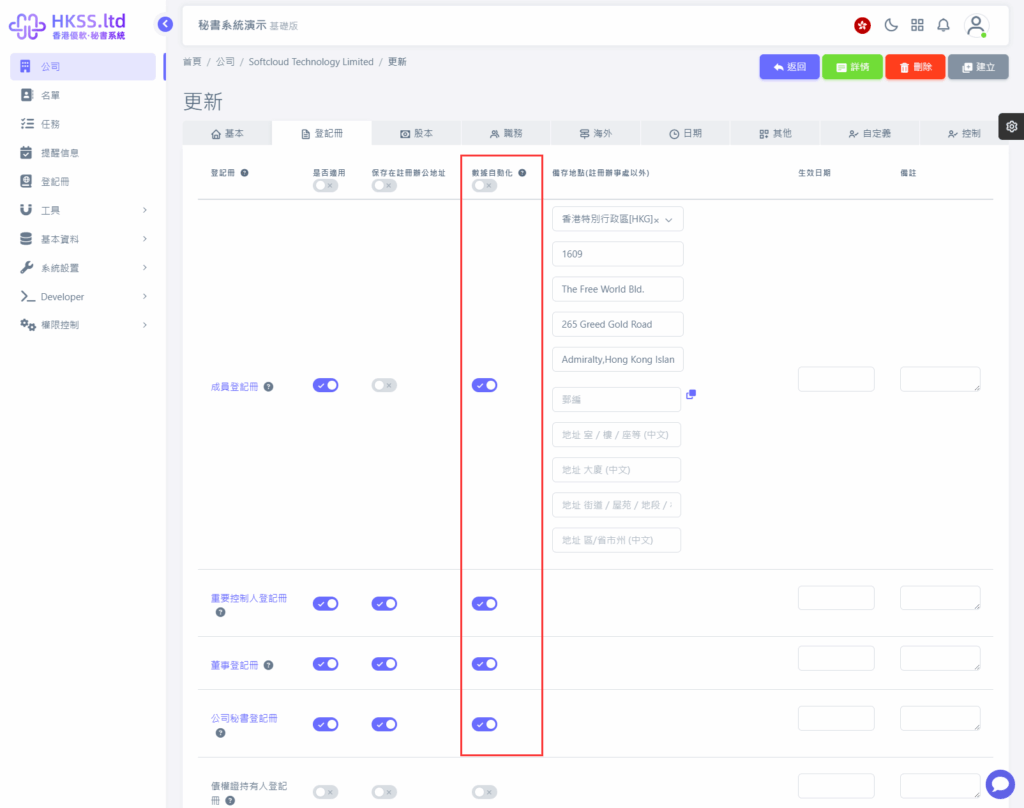
Please follow the on-screen instructions in this section.
- Click the relevant menu/button and continue to the next step.
- Review data settings and proceed with the operation as needed.
2. Detailed Operations-Export
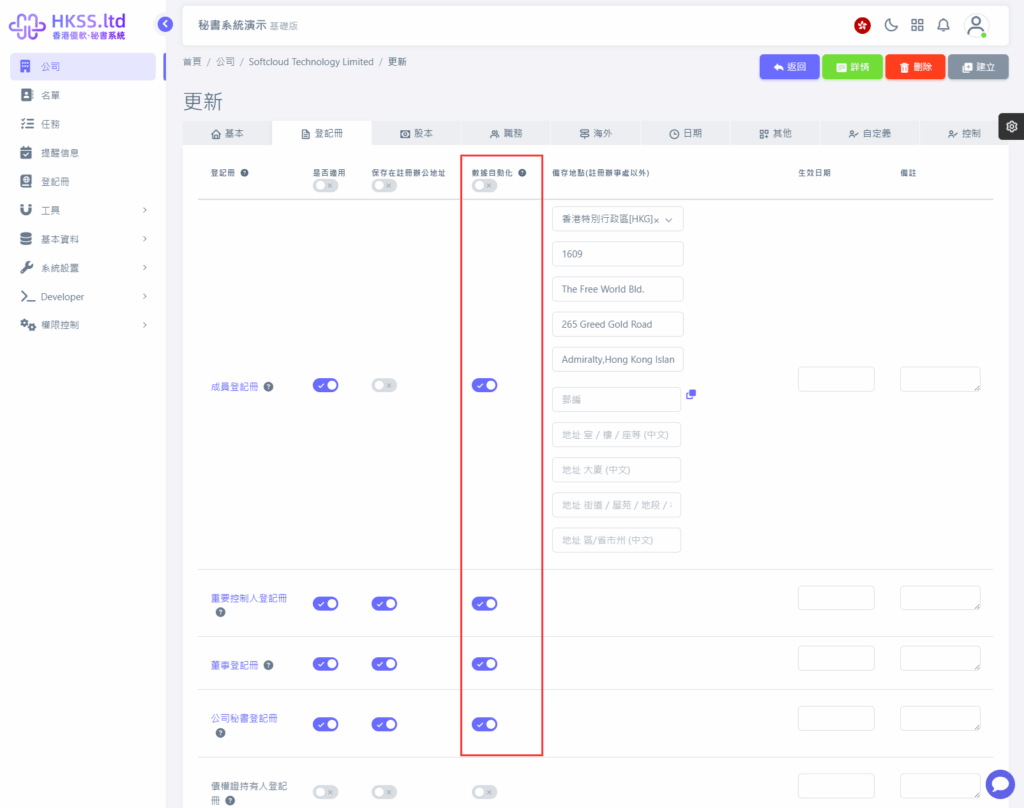
Please follow the on-screen instructions in this section.
3. Detailed Operations-Data Automation Settings
Please follow the on-screen instructions in this section.
Please follow the on-screen instructions in this section.
- Click "Registers" in the left menu.
- Select the company you want to view.
- Click the relevant menu/button and continue to the next step.
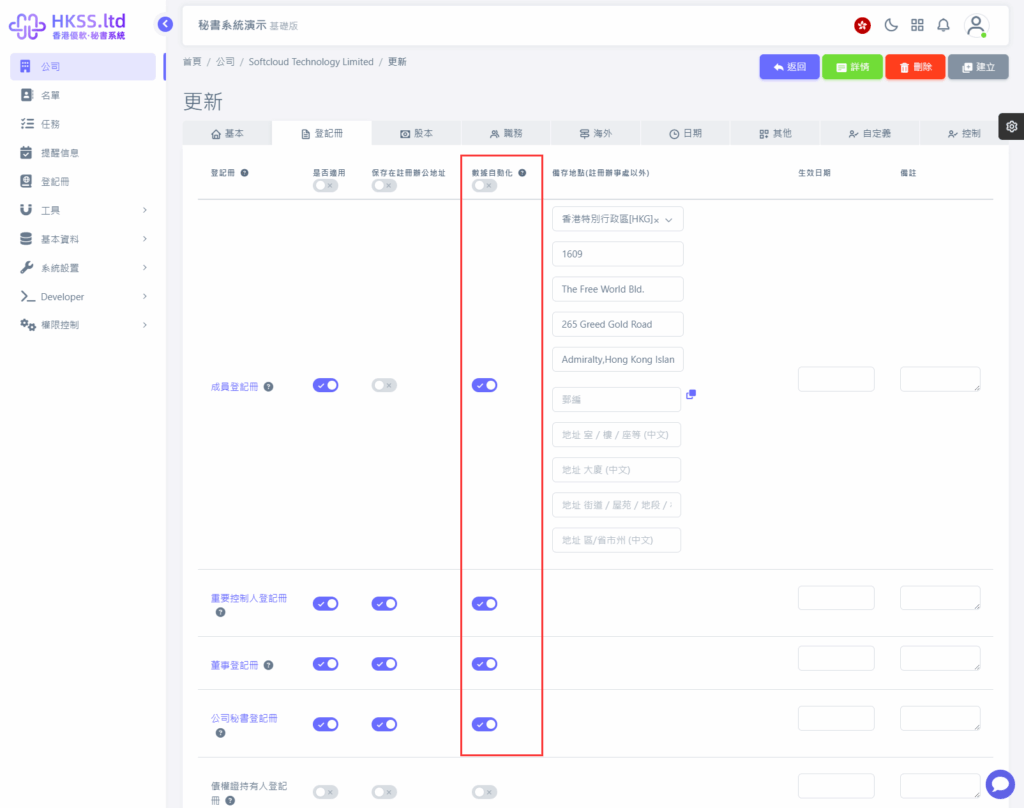
- Review data settings and proceed with the operation as needed.
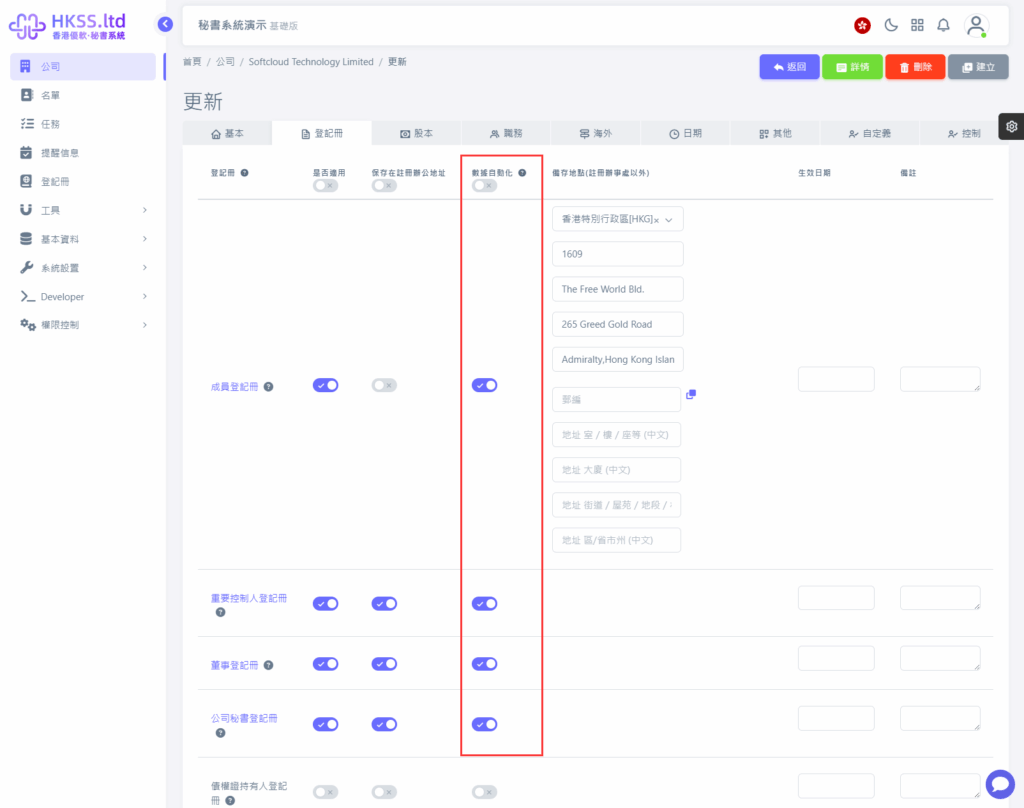
- Review data settings and proceed with the operation as needed.
- Follow the on-screen instructions shown in this step.
